You usually notice external drive problems at the worst possible moment. A folder takes too long to open, files suddenly disappear, or the drive starts making that faint clicking sound people pretend not to hear because they already know where this is probably going.
Most external drives wear down through small habits repeated every day without much thought. Constant unplugging, bad storage conditions, ignored updates, overloaded drives, and rushed file transfers slowly create stress that builds quietly over time. A lot of people treat storage devices like permanent shelves when they are really closer to working equipment that needs at least some care to stay reliable long term.
Small Daily Habits Usually Cause Bigger Problems Later
External drives are constantly moved around now because modern work habits have changed how people use storage. Someone edits videos on a laptop during the day, transfers files to another machine at home, plugs into a smart TV later that night, then tosses the drive into a backpack before work again the next morning. That convenience is useful, obviously, but repeated movement creates wear faster than many people realize.
Cables loosen gradually. Ports collect dust. Drives overheat inside crowded bags or desk drawers with poor airflow. Some people disconnect storage devices without properly ejecting them first because nothing bad happened the previous hundred times. Eventually, the drive catches up to those habits.
File systems create problems, too, when drives move between operating systems constantly. A drive formatted for one platform may behave unpredictably on another, especially when large media files or backups are involved. Understanding compatibility matters more now because people switch between Windows, Mac, gaming consoles, tablets, and smart devices far more than they did even five years ago.
That is partly why users spend time learning how to format external drives before setting up long-term storage. Choosing the wrong file system can create transfer limits, corruption issues, or compatibility problems that quietly affect performance over time. A properly formatted drive tends to handle repeated use more reliably, especially for people constantly moving files between different devices and operating systems throughout the day.
Heat Damages Storage Faster Than Most People Expect
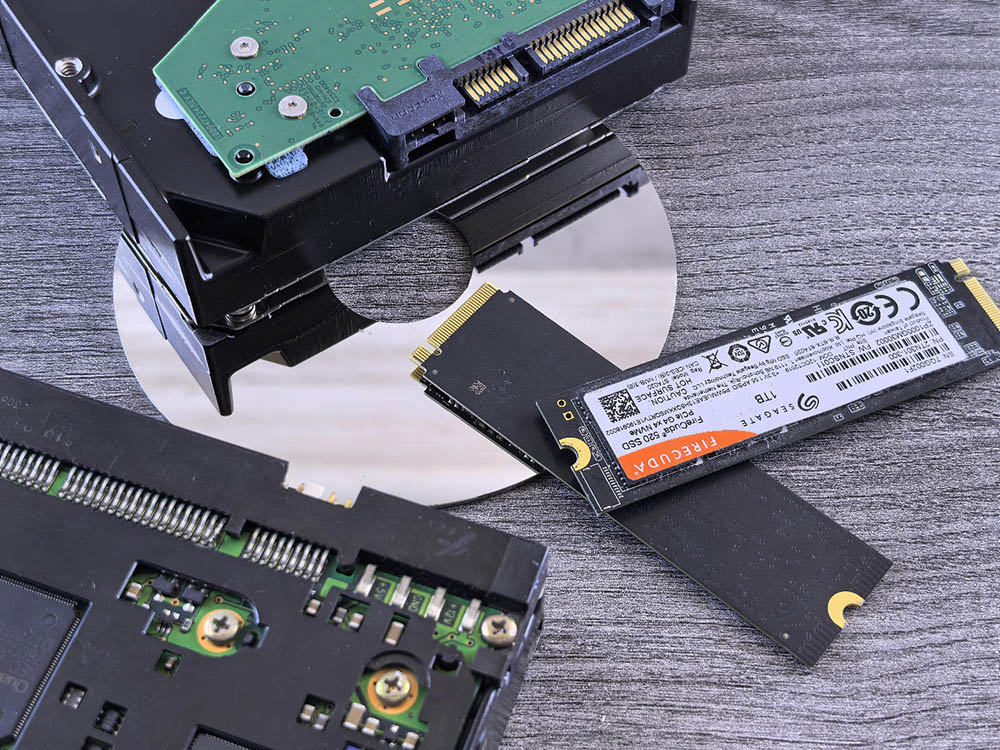
People worry about dropping external drives because physical damage feels obvious. Heat usually gets ignored because it builds quietly and does not look dangerous at first. A drive running hot for hours every day ages faster internally, even if it still works normally for a while. Components expand under heat, cooling becomes less effective, and performance slowly degrades over time. Portable SSDs handle movement better than older mechanical drives in many cases, but neither likes sitting inside overheated environments constantly.
Gaming setups, crowded desks, and nonstop media editing workflows often push drives harder now than older storage habits did. High-resolution video files alone place heavy demands on storage systems. Then, people leave drives connected overnight inside poorly ventilated areas where temperatures stay elevated for hours longer than expected. Sometimes the issue is simpler than that. A drive gets buried under papers beside a warm laptop and quietly cooks there for months.
Overfilling Drives Creates More Stress Than People Realize
Storage devices slow down when they stay near full capacity constantly. That happens because the system loses flexibility in managing files efficiently once available space becomes limited. A lot of users keep pushing storage further because external drives have become cheaper and larger over the years. People save everything now. Duplicate photos. Old project folders. Half-finished downloads. Entire phone backups nobody plans to open again. The drive turns into a digital junk drawer that keeps expanding until performance starts dropping noticeably.
Mechanical hard drives struggle more once fragmentation spreads files across different physical locations on the disk. Solid-state drives behave differently, but they still experience wear through repeated writing and deleting over long periods. Neither type benefits from operating at maximum capacity all the time. That slowdown often gets mistaken for aging hardware alone when overloaded storage is partially causing the problem.
Cheap Accessories Quietly Create Expensive Problems
A surprising number of drive failures start with bad cables or unstable power connections instead of the storage itself. People buy replacement cables online without checking quality because the original one disappeared somewhere in a backpack six months earlier. Some cables transfer power inconsistently. Others disconnect briefly during transfers without an obvious warning. A file corruption problem appears later, and users blame the drive instead of the connection feeding it.
USB hubs sometimes create similar issues, especially overloaded ones running several devices through limited power sources. Drives disconnect suddenly during large transfers or backups, which increases corruption risks even if the device reconnects immediately afterward. Portable storage became so common that many people stopped treating it carefully. A drive gets plugged into whatever adapter happens to be nearby because convenience usually wins over caution during busy workdays.
Physical Movement Still Matters Quite a Bit
Older hard drives remain sensitive to movement because spinning internal components still exist inside many models. Even small impacts while operating can damage parts gradually over time. People travel with drives constantly now. They get tossed into messenger bags beside chargers, dropped onto couches, stacked under laptops, or left dangling from ports during transfers. Nothing catastrophic happens immediately most of the time, which creates the illusion that the drive is tougher than it actually is.
Portable SSDs survive movement better because they contain no spinning disks, but they are not invincible either. Repeated bending near connectors, cheap enclosures, and unstable power conditions still shorten the lifespan eventually.
There is also the issue of people using external drives in environments they were never designed for. Coffee shops. Cars during the summer heat. Outdoor events. Shared office spaces where equipment gets moved around constantly. Modern work culture basically turned storage devices into travel companions, whether manufacturers intended that or not.
Backup Habits Usually Start Too Late
A lot of people treat external drives like permanent storage without realizing the drive itself also needs a backup. Years of photos, work files, and random archived folders end up sitting in one place because the device still works fine today. That usually feels safe right up until the moment it suddenly is not.
Drive failure rarely starts dramatically. Files open more slowly, transfers hang for a second, or the connection drops once and comes back as if nothing happened. Most people ignore those signs because the drive still technically works. The users who lose the least data usually follow dull habits consistently, which honestly matters more than fancy hardware sometimes.