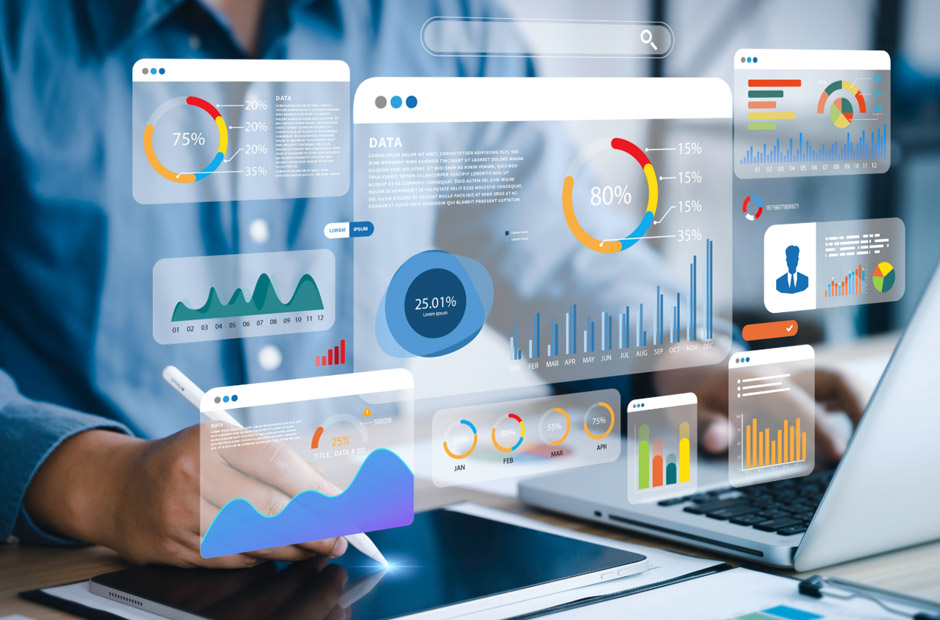
Many businesses invest in digital screens but fail to manage them properly across different locations and departments. Poor scheduling, outdated content, and technical issues can reduce customer attention very quickly. Staff members also waste valuable time when screen updates require manual effort every day. Businesses need practical tools that improve control, consistency, and content delivery across displays. Read this article to gain more knowledge and check these factors before selecting a screen management system for business operations.
Many companies now rely on the best digital signage software to organize content, control multiple displays, and simplify communication across retail stores, offices, restaurants, and public spaces. Strong management features help businesses maintain smoother screen performance and customer engagement.
Remote Access Improves Daily Control
Remote access allows businesses to manage displays from one central platform instead of visiting every location physically. Staff members can update promotions, announcements, or emergency messages within minutes across multiple screens. Therefore, businesses reduce manual work and maintain faster communication during busy schedules.
Remote systems also improve flexibility for multi-location operations. Managers can monitor screen activity and adjust content without delays. Clear remote access features help businesses maintain stronger control over display performance and public messaging across different environments.
Scheduling Tools Support Better Timing
Content scheduling helps businesses display the right information at the correct time. Restaurants may schedule breakfast promotions during morning hours, while retailers can adjust advertisements during weekends or seasonal campaigns. Organized scheduling improves customer relevance and display efficiency.
Automatic scheduling also reduces the risk of outdated content appearing on screens. Staff members save time because updates follow pre-planned timelines. Hence, businesses maintain smoother operations and improve communication quality across digital display networks.
Multi-Screen Management Saves Time
Many businesses operate multiple displays across different departments or locations. Separate control systems can create confusion and increase workload for staff members. Multi-screen management features allow businesses to organize all displays through one platform more efficiently.
Centralized management also improves consistency across customer messaging and promotional campaigns. Managers can apply updates to several screens at once without repeated manual work. However, businesses should still review display settings regularly to maintain accuracy across all locations.
Content Libraries Improve Organization
Large businesses handle many videos, graphics, and promotional materials throughout the year. Content libraries help teams store and organize files in one accessible location. Employees can locate approved materials quickly without searching through separate folders or systems.
Organized storage also improves collaboration between marketing teams and screen managers. Updated files remain easier to access during campaigns and seasonal promotions. Clear content organization supports smoother workflows and more consistent public communication across digital displays.
Device Monitoring Prevents Technical Problems
Technical issues can interrupt customer communication and reduce business professionalism. Device monitoring tools alert managers when screens disconnect, freeze, or display errors. Quick notifications allow teams to resolve problems before customers notice major disruptions.
Monitoring systems also improve maintenance planning for long-term display performance. Businesses can track screen activity and identify recurring technical concerns more efficiently. Some companies combine monitoring features with the best digital signage software to improve display reliability and operational control.
User Permissions Protect Content Quality
Many employees may access digital display systems across large organizations. User permission controls help businesses limit editing access based on staff responsibilities. Restricted access reduces the risk of accidental changes or unauthorized content updates across important displays.
Managers can also assign different roles for marketing teams, administrators, and technical staff. Structured access improves accountability and content security throughout the organization. So, businesses maintain better quality control across all digital communication channels and display systems.
Screen management systems help businesses maintain organized communication, improve operational control, and reduce technical challenges across digital displays. Features such as remote access, scheduling tools, analytics, and device monitoring support smoother display performance and stronger customer engagement. Organized content management also saves time for employees and improves brand consistency. Businesses that invest in practical screen management features usually create more reliable and professional digital communication across multiple locations.